
SEO meta description: Learn practical ways to image compressor for everyday projects, avoid common image mistakes, and prepare clearer, more useful files with free online tools.
A beautiful photograph can make a page memorable, but a needlessly large file can make that page frustrating to open. For US small businesses, bloggers, and nonprofit teams, image compression is a practical publishing skill rather than a purely technical concern.
A real-world problem worth solving
Consider a local bakery updating its menu page. The owner uploads six full-resolution phone photos. Each image looks sharp on a laptop, yet visitors on slower connections wait for the gallery. The right response is not to remove the photos: it is to deliver appropriately sized, compressed files.
A practical step-by-step approach
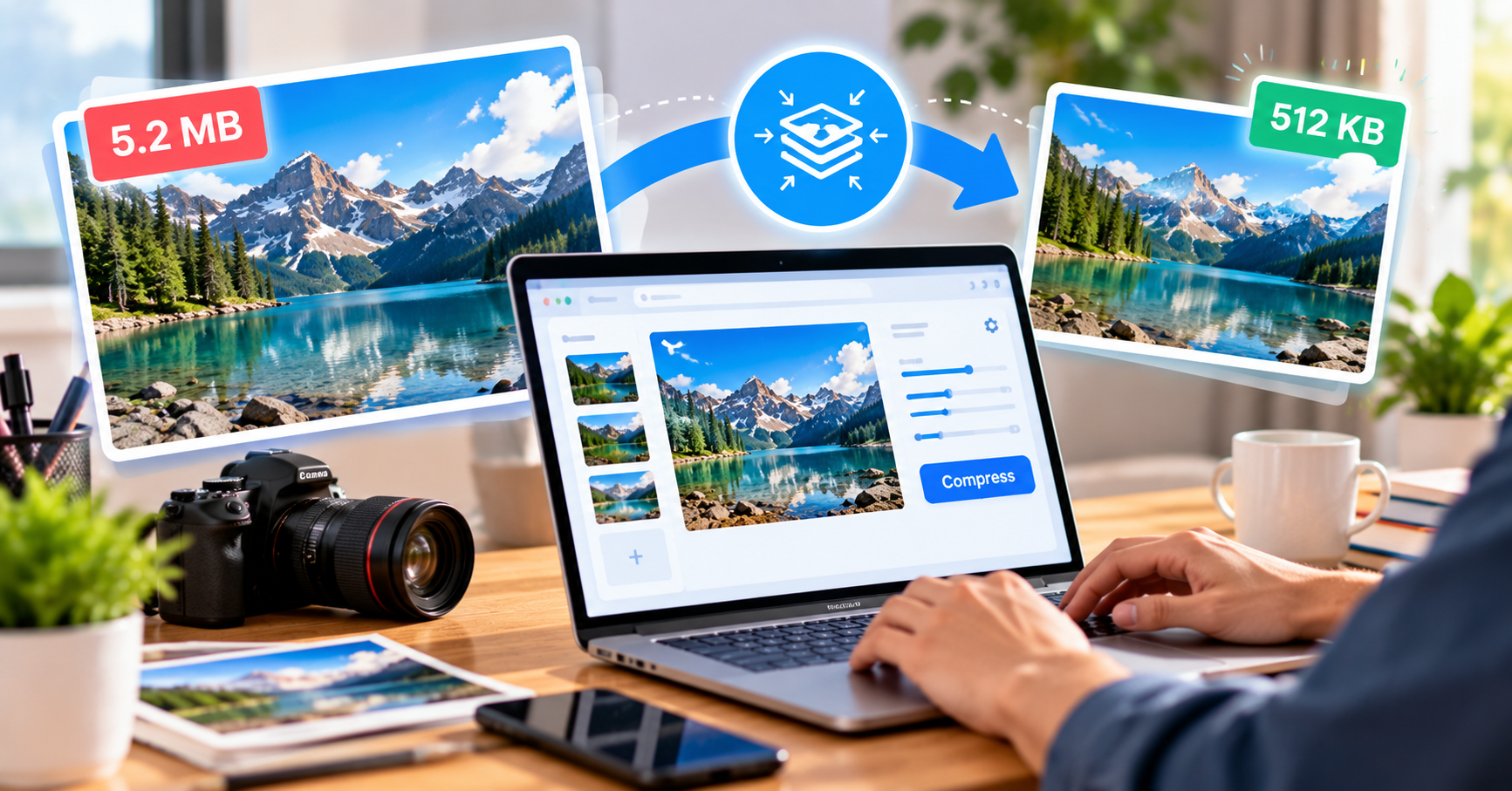
Start by deciding how large each image actually appears on the page. A thumbnail rarely needs the same pixel dimensions as a full-screen hero. Keep the original image in a separate folder, create a web-sized copy, and compare the compressed version at its intended display size. Look closely at lettering, faces, and gradients.
Understand the technical trade-offs
Compression can be lossy or lossless. Lossy compression discards some image information to reduce size; lossless methods preserve the decoded pixels but may achieve smaller savings. For ordinary web photographs, a carefully chosen lossy setting often works well. Screenshots with tiny text may need gentler settings.
How a free online tool fits into the workflow
Use a browser-based image compressor such as Pixly to test a smaller version before publishing. Compare the resulting file size and visible detail, then preview the page on mobile. Do not upload private client images to a third-party service without checking its data handling policies.
Why this matters for search and visitors
Search engines do not award rankings merely because an image has been compressed. However, faster loading and a more usable page can support the visitor experience. Search visibility also depends on useful content, accessibility, relevance, and many other factors. Treat optimization as a quality improvement, not a ranking shortcut.
One more check before publishing
Before and after comparisons should use the same screen and zoom level. An image that looks acceptable at thumbnail size might show obvious artifacts when a visitor opens it. Document the export settings that work for your site so other editors can follow the same process.
The takeaway
The best outcome is a fast page that still communicates clearly. Track real page speed after deployment, because image compression is only one part of performance alongside hosting, scripts, fonts, and layout.
For everyday image preparation, try Pixly — Free Online Image Tools. Check the available functions and output settings against your particular project requirements.
Frequently asked questions
Pixly helps users complete the workflow covered in this guide with a focused online tool. Review the steps and checks in the article before using the result.
It can help people who want a practical, accessible way to handle this task. The best choice depends on the file, device, accuracy needs, and privacy requirements involved.
Start with accurate source information, follow the workflow carefully, review the output, and keep a copy of the original whenever the task changes a file or important data.