
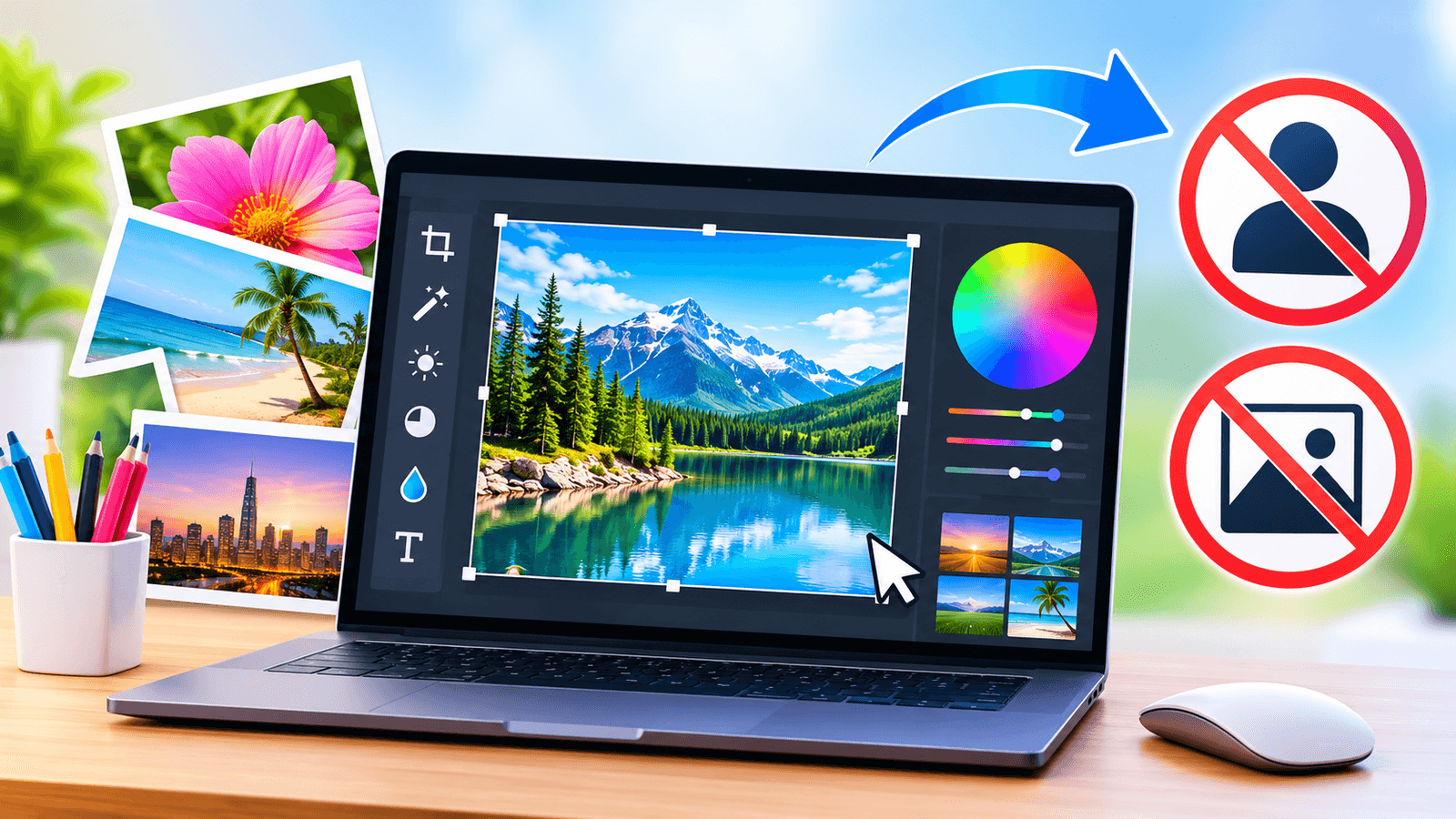
Edit photos free in your browser with no sign-up, no download and no watermark. Crop, add filters, remove backgrounds and export in seconds.
If you need to edit a photo quickly, the fastest option is a free online image editor that works in your browser without an account. The Entertainment Couch Free Online Image Editor is exactly that: a full photo editor that opens instantly, never asks for an email address, never adds a watermark and never uploads your photos to a server.
Quick answer: Yes, you can edit photos online for free with no sign-up. Open the [free image editor,](https://entertainmentcouch.com/free-online-tools/image-editor) drop in a photo, make your changes and press Export to download a clean JPG, PNG, WebP, AVIF or BMP file. There is no account, no subscription and no watermark.
Why do most "free" photo editors ask you to sign up?
Many online editors advertise themselves as free but lock the download behind an account, a trial or a paid plan. Others let you export only a low-resolution copy, or stamp their logo across your image. These tactics help the company collect emails and push upgrades, but they slow you down when all you want is a quick crop or a brighter photo. The Entertainment Couch editor takes a different approach. Every tool is free and unlimited, so there is nothing to unlock:
- No account, login or email address
- No software to download or install
- No watermark, logo or text added to your images
- No premium tier, hidden charges or download limits
- Full-quality exports at the size you choose
What can you do with a free browser-based image editor?
This is not a stripped-down tool. It covers the edits most people need every day, plus a few that usually require paid software:
- Crop, rotate, flip and straighten with free or fixed ratios such as 1:1, 4:5 and 16:9
- Resize in pixels or percent using sharp Lanczos-3 resampling
- Adjust light and colour with 22 controls, including exposure, contrast, highlights, shadows, saturation, temperature and hue
- Apply 16 photo filters such as Vivid, Golden, Vintage, Noir and Matte, with a strength slider
- Remove plain backgrounds in one click and replace them with a colour, transparency or another photo
- Add text, shapes, icons and stickers, with 11 fonts, outlines, shadows and highlight boxes
- Draw with a brush, eraser and colour picker on a separate layer
- Work with layers, including opacity and 16 blend modes
- Enhance and upscale photos 2× or 4× with classical resampling
- Batch process up to 200 images at once and download them as a ZIP file
How do you edit an image online for free?
Editing a photo takes four simple steps:
- Open the online image editor and drop your photo onto the canvas, paste it with Ctrl+V, or press Open.
- Pick a tool from the toolbar, such as Adjust, Filters, Crop & rotate or Text.
- Make your changes. Every edit previews instantly, and you can press Compare to drag a before-and-after slider across the photo.
- Press Export, choose a format and quality, and download your image.
The editor opens JPG, PNG, WebP, GIF (first frame), BMP, AVIF, SVG and ICO files up to 100 MB. HEIC photos open in Safari.
Does it work on a phone?
Yes. The editor runs in any modern browser on a computer, tablet or phone, including Chrome, Edge, Firefox, Safari, Samsung Internet and Opera. On a phone, the image sits at the top with a scrollable tool bar and a collapsible panel underneath. You can pinch to zoom, drag with two fingers to pan and switch to full screen for more room.
Are there any limits you should know about?
Being honest about limits helps you choose the right tool. The background remover is colour-based rather than AI-powered, so it works best on plain or evenly coloured backdrops. Images are edited in 8-bit sRGB, RAW camera files are not supported, and your work is not saved automatically, so export before closing the tab. Computers handle images of about 50 megapixels, while iPhones and iPads cap browser images at about 16.7 megapixels and scale larger photos down automatically.
Key takeaways
- You can edit photos online for free without creating an account.
- The Entertainment Couch editor adds no watermark and has no paid tier.
- Photos are processed on your device and are never uploaded.
- It handles everyday edits as well as background removal, layers and batch processing.
Frequently asked questions
Yes. Every tool is free with no limit on images or downloads, and there is no premium version or subscription.
Yes. The editor claims no rights over your images. You remain responsible for having the rights to the photos, fonts and other content you use.
No. It runs entirely in your web browser, so there is nothing to download. Ready to try it? Start editing your photo for free in seconds, with no sign-up required.