
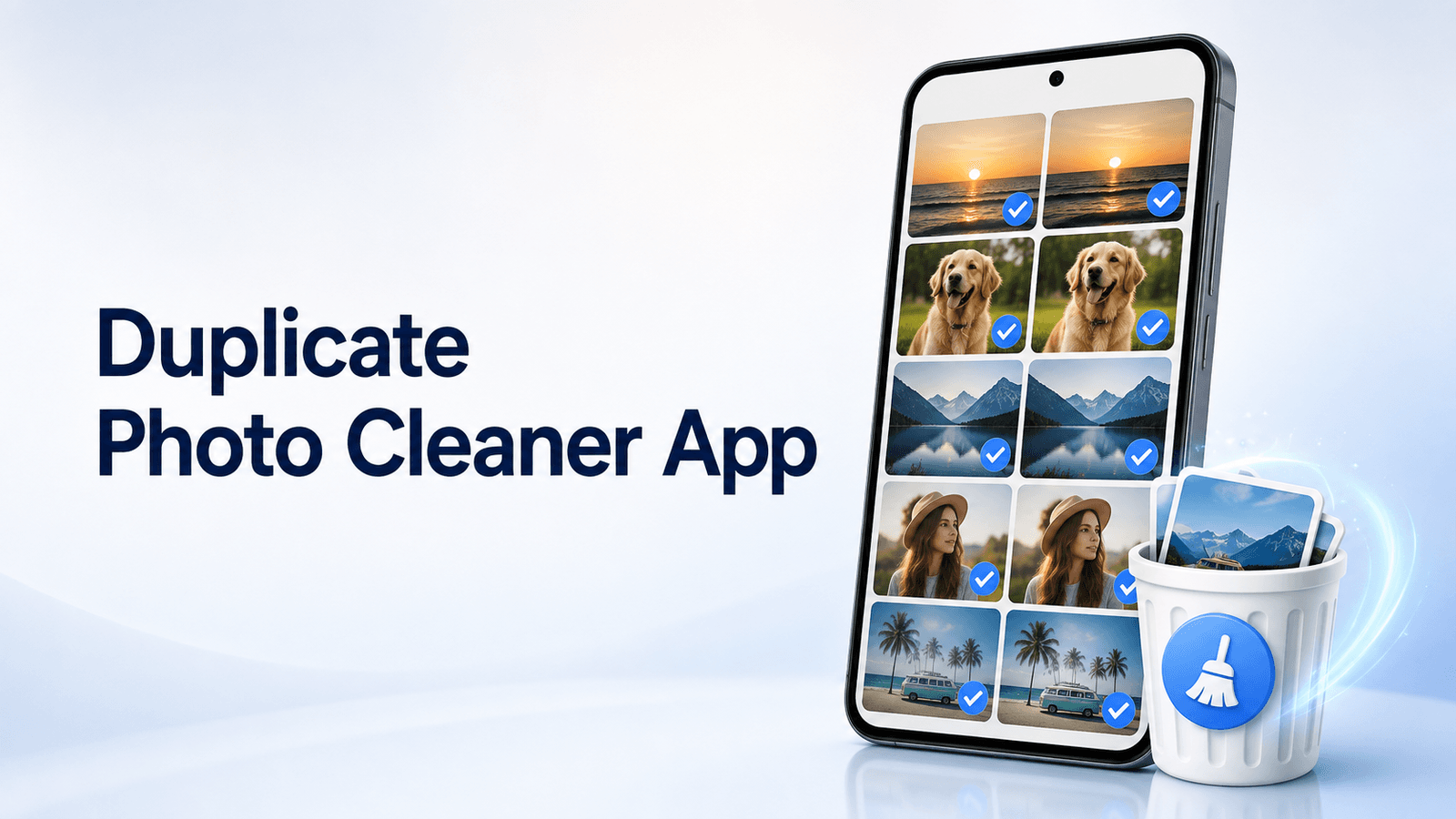
Use a duplicate photo cleaner app to find repeated Android photos, remove copies safely, free storage, and organize your gallery.
Introduction
Duplicate photos are one of the most common reasons Android phones run out of storage. Screenshots, WhatsApp images, edited copies, burst shots, downloaded pictures, social media saves, camera backups, and repeated gallery files can quietly fill your phone.
A duplicate photo cleaner app helps you find repeated photos, review similar images, delete unnecessary copies, and recover storage without manually checking thousands of pictures.
For Android users, this is especially useful because photo folders can come from many sources: camera, WhatsApp, Telegram, Instagram, downloads, screenshots, editing apps, and cloud backups.
This guide compares the best duplicate photo cleaner apps for Android and explains how to choose a safe app before deleting important memories.
For more mobile cleanup and utility app guides, explore Apps Hunt, where we publish practical app recommendations for Android users, everyday phone problems, and digital safety.
Always review photos before deleting them. A cleaner app can help detect duplicates, but you should confirm what to keep before removing files permanently.
Why Use a Duplicate Photo Cleaner App?
Many Android users delete apps or videos when storage becomes full, but duplicate photos are often a hidden storage problem.
A duplicate photo cleaner app can help you:
- Find repeated photos
- Detect similar images
- Review screenshots
- Clean WhatsApp media
- Remove edited copies
- Reduce gallery clutter
- Recover Android storage
- Organize photo folders
- Avoid manual searching
- Keep only the best version of a photo
This is useful for students, creators, families, office workers, small business owners, and anyone who takes many photos every week.
If your storage problem is connected to WhatsApp media, also read our guide on WhatsApp Storage Full? How to Delete Large Videos, Photos and Group Media Safely.
What to Check Before Deleting Duplicate Photos
Before using any duplicate photo cleaner app, check these points:
- Does the app show photos before deleting?
- Can you choose which photo to keep?
- Does it identify original files clearly?
- Does it support similar photos or only exact duplicates?
- Does it ask for unnecessary permissions?
- Does it send photos to cloud servers?
- Can deleted files be recovered from Trash?
- Does it show folder location and file size?
- Are ads too aggressive?
- Is the app recently updated?
A good cleaner app should give control to the user. Avoid apps that delete photos automatically without review.
For safer Android app habits, explore more articles in the Security & Privacy Tools section on Apps Hunt.
1. Files by Google
Files by Google is one of the simplest options for Android users because many phones already support it or can install it from Google Play.
It helps users clean storage by finding duplicate files, old photos from chat apps, screenshots, temporary files, large files and other storage suggestions. It is not only a duplicate photo cleaner app, but it is a practical first choice for general Android cleanup.
Best For
Files by Google is best for users who want a trusted and simple storage cleaner before trying third-party apps.
2. Remo Duplicate Photos Remover
Remo Duplicate Photos Remover is a dedicated app for scanning duplicate and similar photos on Android.
It can scan phone memory and display duplicate photo groups, making it easier to review repeated images before deletion.
Best For
Remo is best for users who want a focused duplicate photo remover with group-based review.
3. Duplicate Photos Fixer Pro
Duplicate Photos Fixer Pro is designed to find and remove duplicate photos from Android devices.
It is useful for users who want a dedicated photo cleanup tool instead of a general file manager.
Best For
Duplicate Photos Fixer Pro is best for users who want a specialized duplicate image cleaner.
4. Duplicate Files Fixer
Duplicate Files Fixer is broader than a photo-only cleaner. It can help find duplicate files across Android storage, including images and other file types.
This is useful if your phone has duplicate documents, videos, audio files and photos.
Best For
Duplicate Files Fixer is best for users who want to clean more than just photos.
5. Duplicate Photo Cleaner
Duplicate Photo Cleaner apps on Google Play generally focus on finding duplicate and similar images in the gallery, then letting users review them before deleting.
This type of app is useful when your main issue is repeated camera photos, screenshots and downloaded images.
Best For
Duplicate Photo Cleaner is best for simple gallery cleanup.
6. Duplicate Photos Remover AI
Duplicate Photos Remover AI focuses on duplicate photo detection, similar photos, screenshots, WhatsApp media, compression and storage cleanup.
It can be useful for users who want a more modern cleaner with multiple photo-management features.
Best For
Duplicate Photos Remover AI is best for users who want duplicate cleanup plus screenshot and WhatsApp media tools.
7. Appolyze Duplicate Cleaner
Appolyze Duplicate Cleaner is designed to find exact duplicate photos and remove extra copies from Android storage.
It is useful for users who want a straightforward duplicate photo cleaner app without too many unrelated features.
Best For
Appolyze is best for exact duplicate photo cleanup.
8. SpaceUp AI Storage Cleaner
SpaceUp AI Storage Cleaner focuses on private photo and storage cleanup. It can help users clean duplicate and similar photos, screenshots, blurry shots and large videos.
This makes it useful for users who want broader gallery cleanup but still care about privacy.
Best For
SpaceUp is best for users who want photo cleanup with privacy-focused positioning.
9. Gallery Cleaner
Gallery Cleaner is designed for users who want a simple way to tidy a cluttered photo library. It can help with duplicate photos, blurry photos and useless screenshots.
Best For
Gallery Cleaner is best for users who want a simple gallery cleanup tool.
10. PhotoSweep Duplicate Cleaner
PhotoSweep Duplicate Cleaner is a lightweight cleaner for duplicate photos. It focuses on helping users review and clean unnecessary photo copies without making the process complicated.
Best For
PhotoSweep is best for users who want a simple and focused photo cleanup experience.
How to Choose the Best Duplicate Photo Cleaner App
Choose Files by Google if you want a trusted general cleaner.
Choose Remo Duplicate Photos Remover if you want duplicate and similar photo groups.
Choose Duplicate Photos Fixer Pro if you want a dedicated duplicate image remover.
Choose Duplicate Files Fixer if you also want to clean duplicate documents, audio and video files.
Choose SpaceUp or Gallery Cleaner if you want broader gallery cleanup, including screenshots and blurry photos.
The best duplicate photo cleaner app should be safe, simple and transparent. It should show what it found before deletion and allow you to keep the right photo.
For more Android utility recommendations, explore the Mobile Utility Apps section on Apps Hunt.
Final Thoughts
A duplicate photo cleaner app can quickly make your Android gallery cleaner and easier to manage. It helps remove repeated photos, reduce clutter, free storage and organize images without manually reviewing every folder.
Files by Google is a strong first option for most Android users. Remo, Duplicate Photos Fixer Pro and Duplicate Photo Cleaner apps are better for users who want dedicated duplicate image tools. SpaceUp, Gallery Cleaner and similar apps are useful if you also want to manage screenshots, blurry photos and large media.
The most important rule is simple: never delete blindly. Always review duplicates, keep the best version, and check Trash before permanent deletion.
For more Android app guides, mobile cleanup tips and digital solution ideas, visit Apps Hunt. You can also explore smart tools and app ideas at AI App Space.
Frequently asked questions
Files by Google is a good first option for many Android users because it can find duplicate files and storage cleanup suggestions. Remo Duplicate Photos Remover and Duplicate Photos Fixer Pro are also useful dedicated duplicate photo cleaner apps.
A duplicate photo cleaner app scans your Android gallery or storage to find repeated, duplicate or similar photos. It helps you review them and delete unnecessary copies to free storage.
It can be safe if the app lets you review photos before deleting and does not ask for unnecessary permissions. Always check privacy settings, app reviews and deletion confirmation before using it.
Yes, mistakes can happen if you delete without reviewing. Always check duplicate groups carefully and keep the best version before confirming deletion.
Files by Google can help find and delete duplicate files on Android. It can also suggest old photos, screenshots and other files for storage cleanup.
Duplicate photos are usually exact copies, while similar photos may be different shots of the same scene, burst photos, edited versions or screenshots that look almost the same.
It depends on the app and your Android gallery. Some deleted photos may go to Trash first, but permanent deletion may not be recoverable. Check before deleting permanently.
Some duplicate photo cleaner apps can scan WhatsApp media folders, screenshots and downloaded images. Always review folder permissions and selected photos before deleting.
Free apps may be enough for basic duplicate cleanup. Paid apps may offer deeper scanning, fewer ads, similar photo detection, batch review or extra storage tools.
Most users can clean duplicate photos once a month. Heavy WhatsApp, camera, screenshot or social media users may need to review duplicate photos more often.