
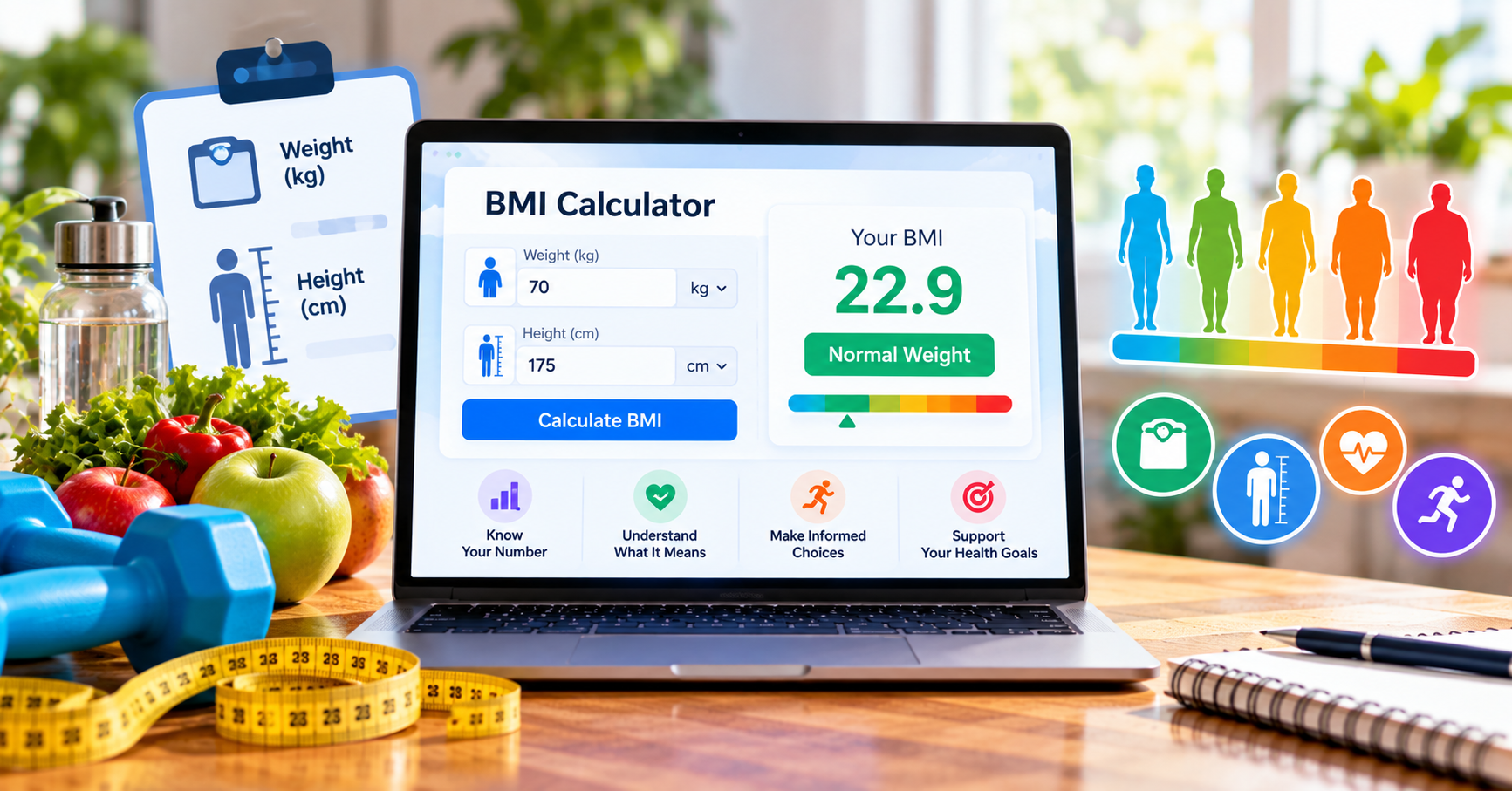
A BMI result is only as useful as the numbers entered. Confusion between centimeters and meters is a surprisingly easy way to produce an incorrect answer, particularly when a form asks for metric measurements but the user normally thinks in feet and pounds. Understanding the conversion makes the result easier to check. Try the Gauge online tool when you are ready to put these steps into practice.
The formula, explained without jargon
Divide kilograms by meters squared. For a height of 165 cm, first convert to 1.65 m; squaring gives 2.7225. If weight is 60 kg, BMI is about 22.0. Dividing by 165 squared without converting the units is incorrect. The same formula applies to adults regardless of sex, although interpretation requires individual context.
Why this matters in everyday life
For more relevant comparisons and practical advice, browse our Health & Lifestyle Apps guides.
A calculation becomes useful when it helps someone make a clearer decision. Rather than collecting numbers for their own sake, start by writing down the practical question you want answered. What choice will change if the result is higher or lower than expected? Which assumptions are uncertain? This habit prevents a quick estimate from being mistaken for a complete explanation.
For US readers, unit conventions and local costs can also affect interpretation. Some health information is presented in pounds and inches while scientific formulas use kilograms and meters. Housing expenses differ by county, insurance market and property type. Retail percentages may apply before sales tax, not after it. Checking the units and the baseline is often as important as pressing Calculate.
Avoid common measurement errors
Measure without shoes, avoid rounding height by several inches, and use a reliable scale. If the measurement comes from an old document, update it before comparing results. Keep units consistent and avoid interpreting small changes as meaningful shifts in body composition.
You can narrow the research further with our Health Partner Apps resources.
A step-by-step check before trusting any result
First, confirm that every input describes the same time period and uses the intended units. Second, make one change at a time if you are comparing scenarios; otherwise you cannot tell what caused the result to move. Third, record the date and assumptions if you plan to refer to the calculation later. Finally, ask whether the output is an estimate, a screening reference or a contractual figure. Those categories are not interchangeable.
For example, a mortgage payment estimate can help screen homes but cannot replace a lender disclosure. A BMI result can help frame a discussion but cannot replace clinical assessment. A percentage calculation may be mathematically exact while the underlying data remain incomplete. Treating the arithmetic and the decision separately produces better outcomes.
Calculate without converting everything by hand
You can also browse the free online tools directory to find complementary utilities for the next step in your workflow.
Gauge accepts centimeters and kilograms directly and also supports feet and inches or pounds when those are the units you know. The BMI calculator displays the computed value and adult reference category in one place. Try the free Gauge calculators here. The page brings the relevant inputs and results together so you can test a scenario immediately.
Common mistakes to avoid
Visit Apps-Hunt for more independent app guides, comparisons, and recommendations.
One common mistake is rounding inputs too early. Another is copying a result without the assumptions that produced it. People also compare numbers with different starting points, overlook additional costs, or treat general reference ranges as personalized recommendations. A reliable workflow is to calculate, sense-check, compare and then decide whether more information is needed.
If a result surprises you, revisit the original entries before drawing conclusions. Recalculate with realistic alternative inputs and explain the limitations to anyone who will use the figure. That small pause can prevent an avoidable mistake in a report, household plan or personal decision.
The bottom line
A good calculator does not make decisions for you. It makes the numbers easier to understand, helps expose assumptions and gives you a starting point for the next practical step. Use the result with context, and keep the original question in view.
Frequently asked questions
Gauge helps users complete the workflow covered in this guide with a focused online tool. Review the steps and checks in the article before using the result.
It can help people who want a practical, accessible way to handle this task. The best choice depends on the file, device, accuracy needs, and privacy requirements involved.
Start with accurate source information, follow the workflow carefully, review the output, and keep a copy of the original whenever the task changes a file or important data.