
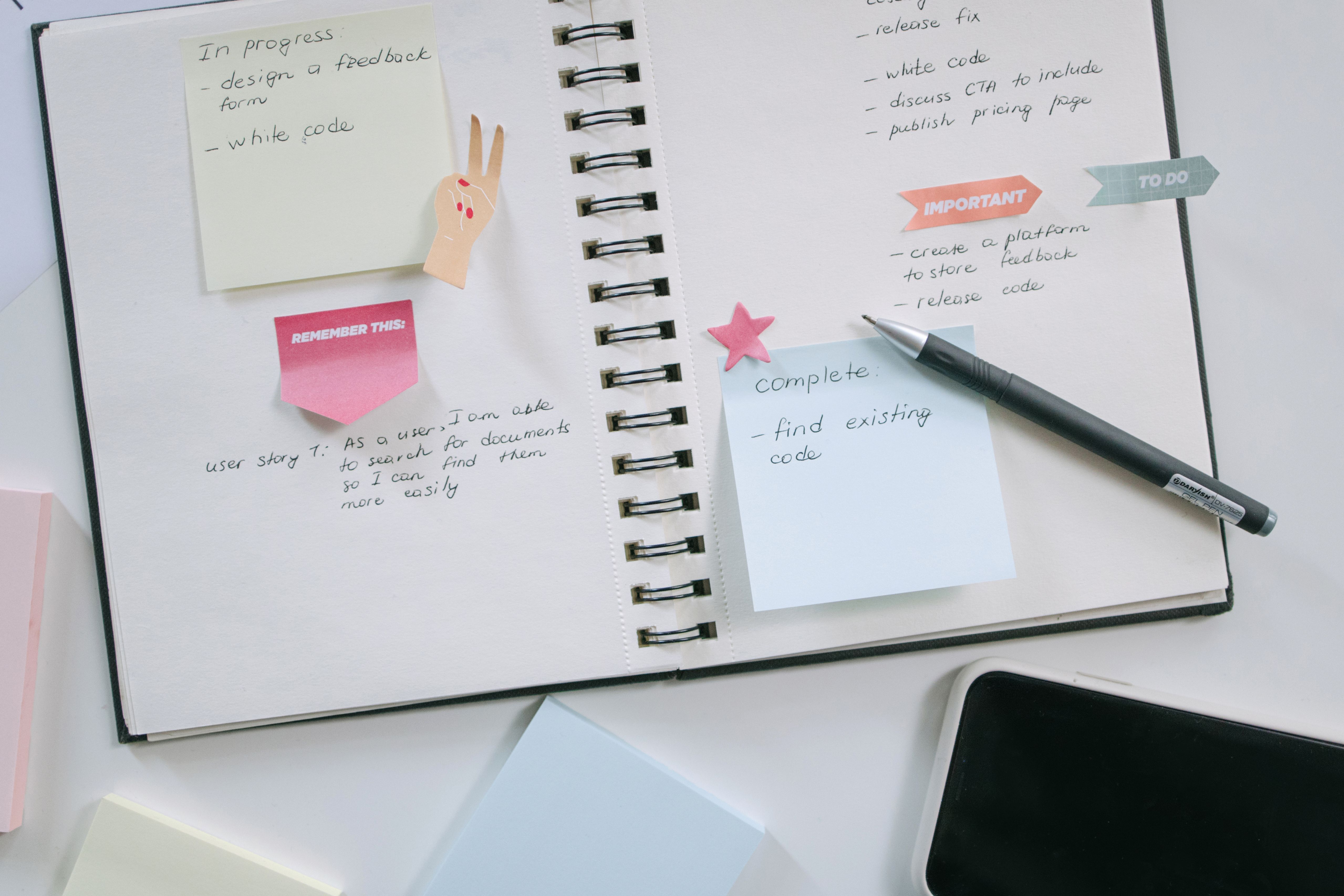
Discover the best to-do list apps for students, freelancers, and office workers. Compare Todoist, Microsoft To Do, TickTick, Notion, and Google Tasks for better productivity.
Introduction
A to-do list app sounds simple — but the right one can genuinely transform how you manage your time, and the wrong one adds friction you do not need. The best to-do list apps for students, freelancers, and office workers each solve slightly different problems, which is why a single recommendation rarely fits everyone. Students need to juggle deadlines across multiple subjects with minimal complexity. Freelancers need to track deliverables across multiple clients without losing anything. Office workers need to manage daily priorities, team tasks, and recurring responsibilities all at once. This guide matches the right apps to the right people — so you can stop managing your tasks with sticky notes, random reminders, and mental load, and start using a system that actually works.
What Separates a Good To-Do List App from a Great One
Most to-do apps can store a list. What separates genuinely useful ones is how well they help you capture tasks quickly, organize them meaningfully, and actually get things done — rather than just moving items around.
The most effective task management apps share a few key qualities:
Fast capture — adding a task should take seconds, not minutes Clear organization — by project, deadline, priority, or context Reminders and due dates that actually prompt action at the right time Cross-device sync so your list is always accessible on your phone, laptop, or tablet A clean interface you will want to open repeatedly throughout the day With that benchmark in mind, here is what works best for each audience.
- Best To-Do List Apps by Audience
- Best To-Do List Apps for Students
- Todoist — Best All-Round Student Planner
Todoist is one of the most polished and capable task managers available, and its free plan is generous enough to cover most students' needs without spending a cent. You can organize tasks by class or subject, assign due dates, set priority levels, and view everything through a clear daily or weekly view. The natural language input is a standout feature for students on the go — typing "submit assignment Friday at 11pm" creates the task with the correct date and time automatically, without extra taps. Todoist also integrates with Google Calendar, allowing your academic deadlines to appear alongside your schedule in one place.
Best for:
Students managing multiple subjects with varying deadlines.
Free plan:
Yes — generous, with premium features available.
Microsoft To Do — Best for Simplicity and Office 365 Users
Microsoft To Do is clean, free, and deeply integrated with Microsoft 365. For students already using Word, Outlook, or OneNote through a school account, it pulls tasks directly from Outlook emails and flags, creating a unified system without any manual duplication. The "My Day" feature lets you pick a handful of tasks each morning to focus on, preventing the overwhelm of staring at an unmanageable master list.
Best for:
Students using Microsoft tools who want a simple, zero-friction daily list.
Free plan:
Completely free.
Best To-Do List Apps for Freelancers
TickTick — Best for Freelancers Who Need Everything in One Place TickTick is one of the most feature-rich task managers available at its price point, combining to-do lists, calendar view, a built-in Pomodoro timer, habit tracking, and project organization in a single app. For freelancers juggling multiple clients and projects, this consolidation alone saves significant time compared to switching between separate apps for each function. The matrix-style priority view (borrowed from the Eisenhower decision matrix) helps freelancers distinguish between urgent, important, and delegable tasks — a practical tool when everything feels urgent and you need a clear framework for what to actually do next. Best for: Freelancers who want a comprehensive workspace with task, time, and habit management in one app. Free plan: Yes, with a capable free tier. Premium adds calendar sync and more views.
Things 3 — Best Premium Option for iPhone and Mac Users
Things 3 is widely regarded as one of the most beautifully designed productivity apps ever made, and for Apple users, it delivers a task management experience that feels genuinely native to the platform. It uses a structured system of Areas (broad life roles), Projects (specific goals), and Tasks (individual actions), helping freelancers think about their work at the right level of detail. Things 3 is a one-time purchase rather than a subscription, which appeals to freelancers who prefer owning their tools outright. The trade-off is that it is Apple-only — there is no Android or web version.
Best for:
Freelancers on iPhone or Mac who want a polished, premium experience and prefer a one-time payment.
Free plan:
No. One-time purchase.
Best To-Do List Apps for Office Workers
Asana — Best for Team Task Management
Asana goes beyond personal to-do lists into full team workflow management, making it one of the most powerful options for office workers who need to track not just their own tasks, but deliverables shared across a team. Tasks can be assigned to specific people, linked to projects, given due dates and subtasks, and viewed as a list, board, or timeline. The free plan supports up to 15 team members and covers most of what small or mid-sized teams need for basic project coordination. It integrates with Slack, Google Drive, Zoom, and most other common workplace tools. Best for: Office workers collaborating on shared projects who need visibility into team progress, not just personal tasks. Free plan: Yes, for up to 15 users. Notion — Best for Office Workers Who Want an All-In-One Workspace Notion combines to-do lists, databases, notes, wikis, and project boards in a single, highly customizable workspace. For office workers who want their task list, meeting notes, and project documentation all in one place rather than spread across multiple apps, Notion can replace several tools at once. The trade-off is a steeper learning curve than a traditional to-do app. Notion rewards time invested in setup, but it can feel overwhelming initially compared to a clean, focused task manager. Best for: Office workers who want a fully customizable workspace combining tasks, notes, and projects. Free plan: Yes, with a capable free tier.
How to Pick the Right To-Do App for Your Life The best app is the one you will actually open and use daily. A few quick questions to guide your decision: Are you managing personal tasks or team work? For personal use, Todoist or TickTick. For team coordination, Asana. How much customization do you want? Simple and fast: Microsoft To Do. Fully flexible: Notion. Are you on Apple devices exclusively? Consider Things 3 for a premium native experience. Do you need time management alongside tasks? TickTick includes a built-in Pomodoro timer. Is budget a constraint? Microsoft To Do and Todoist's free tier both deliver strong functionality at no cost.
Why This Matters
Disorganized task management is one of the quietest sources of stress in both academic and professional life. When deadlines live in your head rather than a system, cognitive load builds — you spend mental energy trying to remember what needs doing instead of actually doing it. For students, a reliable task app can prevent missed assignment deadlines and late-night panic sessions. For freelancers, it protects client relationships by ensuring nothing falls through the cracks across multiple projects. For office workers, it provides the clarity needed to prioritize effectively when everything feels urgent. The right to-do list app does not make you more productive on its own — but it creates the structure that makes consistent productivity possible.
Final Thoughts
Whether you are a student trying to stay on top of coursework, a freelancer managing five clients at once, or an office worker drowning in competing priorities, the best to-do list apps for students, freelancers, and office workers all share one goal: getting what is in your head into a reliable system that you trust. Start with a free plan from any of the apps above, use it consistently for two weeks, and see whether it fits how you actually think and work. The right tool will feel effortless to maintain — and noticeably calmer than the alternative. Looking for more productivity apps and digital tools? Apps Hunt features the best options across every category, updated regularly so you always find what is genuinely worth your time.
Frequently asked questions
The Best To-Do List Apps for Students include Todoist, Microsoft To Do, TickTick, Notion, and Google Tasks. These apps help students manage assignments, exams, study plans, and daily reminders.
Microsoft To Do and Google Tasks are good free options for students. They are simple, easy to use, and suitable for managing homework, reminders, and daily checklists.
Yes, Todoist is good for students because it supports projects, due dates, recurring tasks, priorities, and calendar-style planning.
TickTick may be better for students who want Pomodoro, habit tracking, and focus tools. Todoist is better for users who prefer a clean and simple task management experience.
Todoist, TickTick, and Notion are great choices for freelancers. They help manage client projects, deadlines, revisions, invoices, and follow-ups.
Microsoft To Do is useful for office workers who use Microsoft tools. Todoist and Notion are also strong options for managing reports, meetings, and team-related tasks.
Yes, to-do list apps can improve productivity by helping users organize tasks, set priorities, remember deadlines, and focus on important work.
Yes, small business owners can use to-do list apps to manage daily operations, customer follow-ups, team tasks, inventory reminders, and business planning.
Microsoft To Do is one of the best options for beginners because it has a simple interface and basic features like lists, due dates, and reminders.
Not always. Many students can start with free apps like Microsoft To Do, Google Tasks, Todoist free plan, or TickTick free plan. Paid plans are useful when users need advanced reminders, filters, collaboration, or productivity features.