
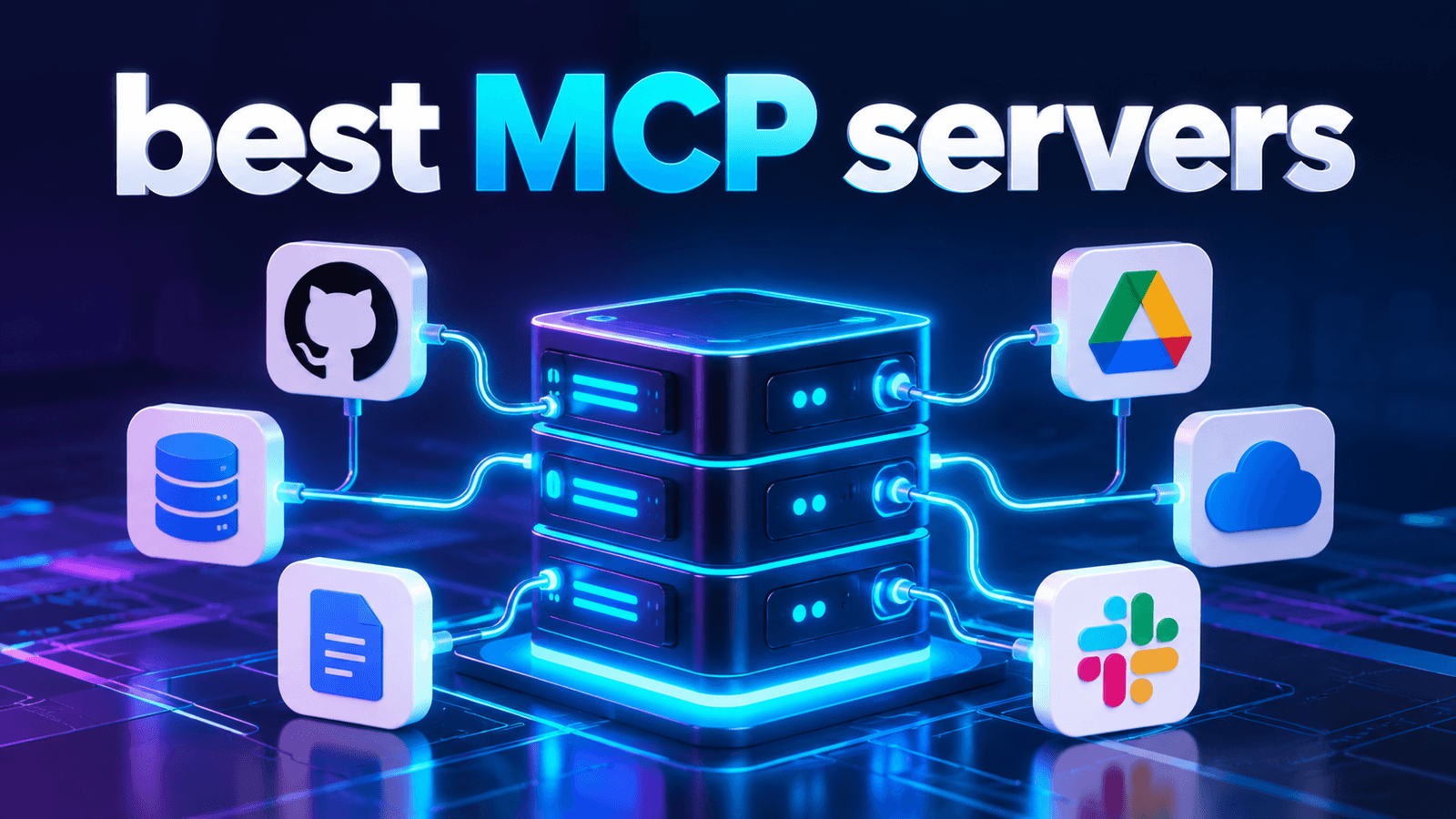
Discover the best MCP servers for AI agents in 2026, including options for GitHub, files, databases, cloud infrastructure, and business workflows.
The best MCP servers in 2026 are not simply the ones with the longest tool lists. The strongest choices connect AI agents to useful systems code repositories, files, databases, cloud infrastructure and business applications while giving teams appropriate control over authentication and permissions. For most organizations, the right MCP stack combines several specialized servers rather than relying on one universal connector.
The best MCP servers in 2026 are not simply the ones with the longest tool lists. The strongest choices connect AI agents to useful systems code repositories, files, databases, cloud infrastructure and business applications while giving teams appropriate control over authentication and permissions. For most organizations, the right MCP stack combines several specialized servers rather than relying on one universal connector.
What Is an MCP Server?
A Model Context Protocol (MCP) server exposes tools, resources, or capabilities that an MCP-compatible AI client can use. In practical terms, MCP can turn an isolated AI assistant into an agent that can retrieve relevant information or perform authorized actions in external systems. That makes MCP particularly useful for coding agents, internal assistants research workflows, business automation, and data-driven applications.
Best MCP Servers to Consider in 2026
1. GitHub MCP Server — For Software Development
The official GitHub MCP Server connects compatible AI tools with repositories, code, issues, pull requests, workflows, and other GitHub resources. It is especially relevant for development agents that need repository context or need to assist with issue and PR workflows. A useful security feature is read-only mode, which can limit the server to non-modifying operations. GitHub also documents a lockdown mode designed to reduce exposure to potentially untrusted public-repository content.
Best for: coding agents, repository management and development automation.
2. Filesystem MCP Servers — For Local Files
Filesystem servers give agents controlled access to files for tasks such as reading documents creating files, editing content, and organizing project data. The official MCP Registry includes filesystem implementations offering read, create, and edit capabilities. Best for: local document workflows, coding projects and file-based knowledge. The main consideration is scope. An agent should receive access only to the directories and operations required for its task.
PostgreSQL MCP Servers — For Database Agents
Database MCP servers can let an agent inspect schemas, query structured data, explain queries, or perform database health checks. For example, the official MCP Registry currently lists PostgreSQL-focused implementations offering query and schema-inspection functionality.
Best for
analytics assistants, internal data agents and developer workflows.
Production deployments should use narrowly scoped credentials and avoid unnecessary write permissions.
3. Cloudflare MCP Servers — For Cloud and Infrastructure Workflows
Cloudflare provides managed remote MCP servers covering areas including documentation, Workers bindings, builds, observability, and other Cloudflare services. Its current servers support the MCP 2026-07-28 specification and Streamable HTTP connections.
Best for
cloud operations, observability and infrastructure-focused agents.
Google Workspace Connectors — For Business Productivity
The official MCP Registry also contains community servers that connect agents with services such as Gmail, Calendar and Drive. One listed Google Workspace implementation supports multiple accounts and access across those productivity services. Best for: scheduling, email-assisted workflows, document operations and administrative automation. Because these integrations can expose sensitive organizational data, businesses should evaluate the implementation, authentication model, permissions, and maintenance status before deployment.
How to Choose an MCP Server
The number of available tools is a poor security or quality metric for an MCP server. A better evaluation framework is Scope → Authentication → Permissions → Transport → Maintenance.
Before connecting an agent, check:
- Does the server expose only the capabilities the agent actually needs?
- Can access be restricted to read-only or narrowly scoped actions?
- Does it use an appropriate authentication method?
- Is the implementation actively maintained?
- Can sensitive actions require additional application-level controls or human approval?
For discovering additional implementations, the Official MCP Registry provides a community-driven directory of MCP servers.
MCP Security Matters More as Agents Gain Access
Connecting more systems increases what an agent can accomplish, but it also increases the importance of identity and access control. Businesses building multi-agent environments should consider how each agent is authenticated and which resources it can reach. For a deeper look at this layer, read the AI App Space guide to AI agent identity management.
Build the Right MCP Stack for Your Business
A practical architecture might connect a development agent to GitHub, a reporting agent to a database and an operations agent to approved business systems rather than giving one agent unrestricted access to everything.
Explore AI App Space products for related AI solutions and resources.
Need MCP Integration for Your Business?
If you want AI agents connected to internal tools, databases, or workflows with appropriate access controls, contact AI App Space to discuss an MCP and AI-agent integration setup designed around your business requirements.
Follow Apps Hunt for More AI Tools
For practical AI tools, agent workflows, automation ideas, and business technology updates, follow Apps Hunt on Instagram, TikTok, and YouTube.
Final Takeaway
The best MCP servers depend on what an AI agent needs to access. GitHub fits development workflows, filesystem servers handle local resources, database servers support structured-data tasks, Cloudflare serves infrastructure use cases, and workspace connectors can support business productivity. Start with the smallest required permission set, then expand capabilities only when the workflow justifies the additional access.
Frequently asked questions
Useful options include GitHub MCP Server for development, filesystem servers for local data, PostgreSQL-focused servers for databases, Cloudflare’s MCP servers for infrastructure, and workspace connectors for productivity. The right choice depends on the agent’s job and required permissions.
An MCP server gives compatible AI applications structured access to external tools, resources, or services. This can allow an agent to retrieve information or perform authorized actions.
Many MCP implementations are open source, but using them may still involve infrastructure costs or fees for the external APIs and services they connect to.
Safety depends on the implementation, credentials, permissions, exposed tools, and deployment configuration. Limit access to what an agent actually needs and review third-party servers before connecting sensitive systems.
The official GitHub MCP Server is a notable option for GitHub-centered development because it can work with repositories, issues, pull requests, and workflows. GitHub
Yes. MCP servers can expose database operations such as querying, schema inspection, and diagnostic functions to compatible agents. PostgreSQL implementations are available through the MCP ecosystem.
Potentially, yes, if the MCP client supports multiple server connections. This enables an agent architecture in which separate servers handle code, data, files, or business systems.
Local servers commonly communicate through stdio, while remote MCP connections use network transport. Current MCP documentation identifies Streamable HTTP as the standard remote transport, replacing the older HTTP+SSE approach.
The Official MCP Registry provides a searchable community-driven registry for discovering MCP server implementations.
Evaluate the required use case, server provenance, authentication, permission scope, deployment model, maintenance activity, and security controls. Avoid giving an agent broader data or write access than its workflow requires.