
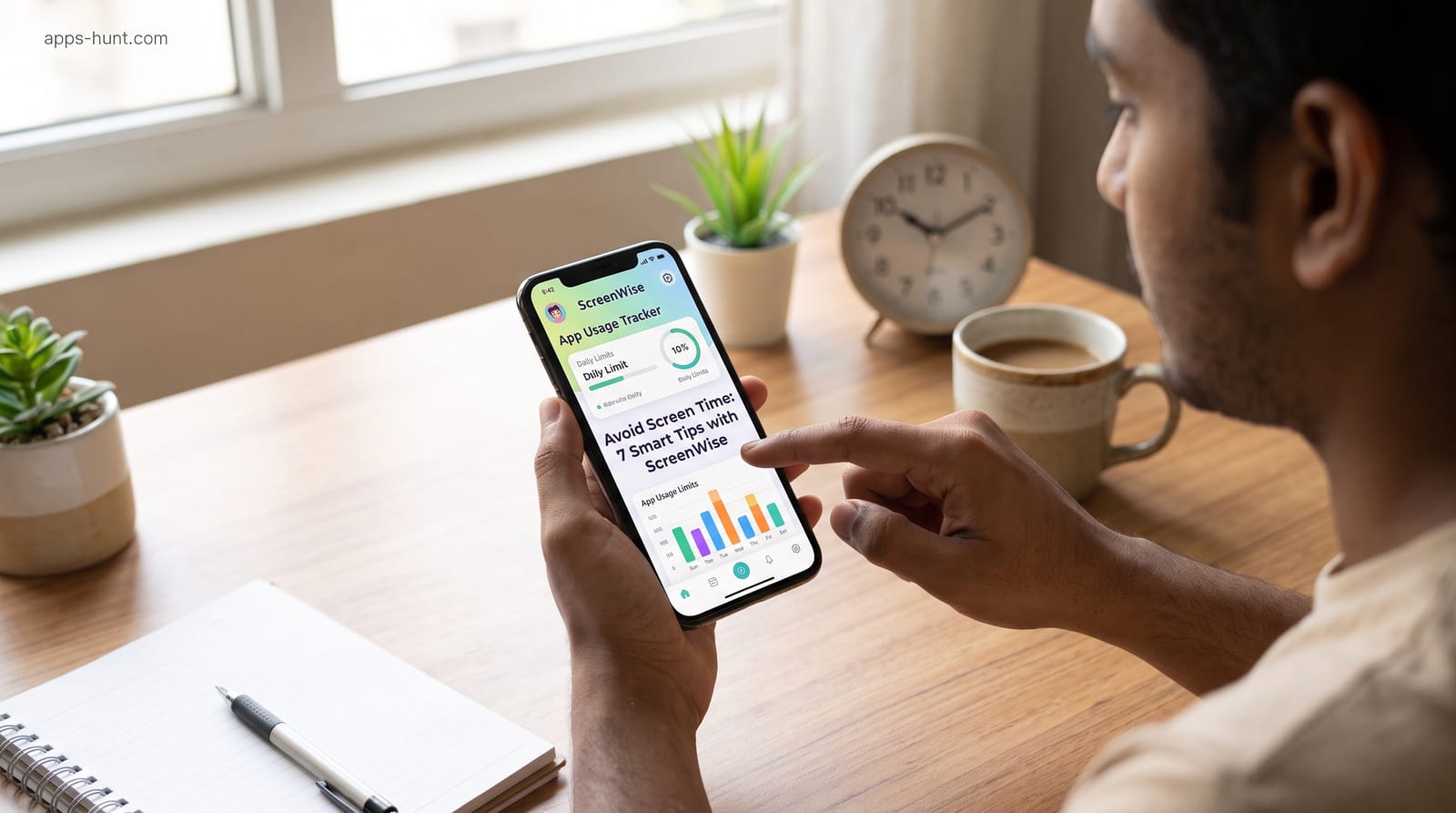
Want to avoid screen time without strict app blockers? Try 7 gentle, research-backed tips and see how ScreenWise tracks habits with friendly nudges.
You picked up your phone to check one message. Forty minutes later, you're still scrolling, and the thing you meant to do is still waiting.
If you want to avoid screen time without giving up your phone, you're not alone. And it isn't a willpower problem. Phones are designed to pull you back. This guide shares seven gentle, research-backed tips that work with your habits instead of against them. You'll also see how ScreenWise, a free Android tracker, can help. This guide shares seven gentle, research-backed tips that work with your habits instead of against them. You'll also see how ScreenWise can help, and you can download ScreenWise on Google Play free to follow along.
Why Strict Blockers Often Backfire
Many people start by going cold turkey. They delete apps or install a blocker that locks them out. But hard lockouts often lead to frustration, workarounds and a slide back into old habits. Change tends to last when it's gradual and you stay in control. That's the idea behind every tip below: notice first, then adjust gently.
7 Smart Tips to Avoid Screen Time
1. Measure Before You Change
Your guess about your phone use is probably off. A Lancaster University study found people used their phones about twice as often as they estimated.
So spend three to five days just watching your numbers. Don't change anything yet. You're collecting honest data, not judging yourself.
2. Find Your Two Biggest Time Sinks
Screen time rarely spreads evenly. It usually piles up in one or two apps, or at one time of day, like late-night scrolling. Check which apps rank highest and when your use spikes. Target those first.
3. Set a Realistic Daily Goal
If you average six hours a day, a one-hour goal sets you up to fail. Start 30 to 60 minutes below your current average. Once that feels easy for a week, lower it again. Small wins build confidence. Impossible targets only build guilt.
4. Use Gentle Reminders Instead of Lockouts
A reminder interrupts autopilot without taking away your choice. That short pause is often enough to put the phone down.
Use breaks for your eyes too. The American Academy of Ophthalmology recommends the 20-20-20 rule: every 20 minutes, look at something 20 feet away for 20 seconds.
5. Create a Phone-Free Last Hour
Late-night scrolling quietly steals sleep. Sutter Health advises turning off devices at least one hour before bed. Charge your phone outside the bedroom. Keep a book or notebook by the bed instead.
6. Keep Your Phone Out of Sight While Working
In a University of Texas at Austin study, people with phones in another room did better on focus tests than those with phones on the desk, even when switched off. During study or deep-work blocks, leave the phone in another room. Silent mode alone isn't enough.
7. Build Family Screen Goals Together
Children copy what adults do. Instead of secret rules, sit down together and agree on goals and break times. Keep it a conversation, not a punishment. If you need stronger controls, compare these parental control apps for families.
How ScreenWise Helps You Reduce Screen Time
ScreenWise is a free Android app from Islamabad-based Speckpro Digital. It's built for awareness, not control.
- Clear numbers: a daily total, a weekly view, and a ranking of your most-used apps.
- Daily goal: set a limit that fits your routine and change it anytime.
- Gentle break reminders: a friendly nudge when you reach your goal.
- No blocking: it never locks or closes your apps, so every decision stays yours.
- Family-friendly: on a shared home device, set goals and break reminders for kids.
One honest note: ScreenWise tracks the device, not each person. On a shared phone, everyone's usage appears together.
A Realistic Example
Picture a university student in Lahore preparing for exams. He believes he uses his phone for about two hours a day. After four days, his screen time tracker app shows nearly five hours, mostly short videos after 11 p.m. He sets a four-hour goal, turns on break reminders, and charges his phone in the kitchen. For more ideas, read these 5 tips for reducing screen time, or explore daily routine apps to fill the hours you reclaim.
Frequently asked questions
For most people, no, and it isn't necessary. The goal is intentional use, not zero.
Tracking makes invisible habits visible. Awareness is the first step; goals and reminders turn it into lasting change.
No. It tracks usage and sends reminders, but it never blocks or closes other apps.
On Google Play, the developer states it collects and shares no user data. It needs Android's Usage Access permission to read app stats.