
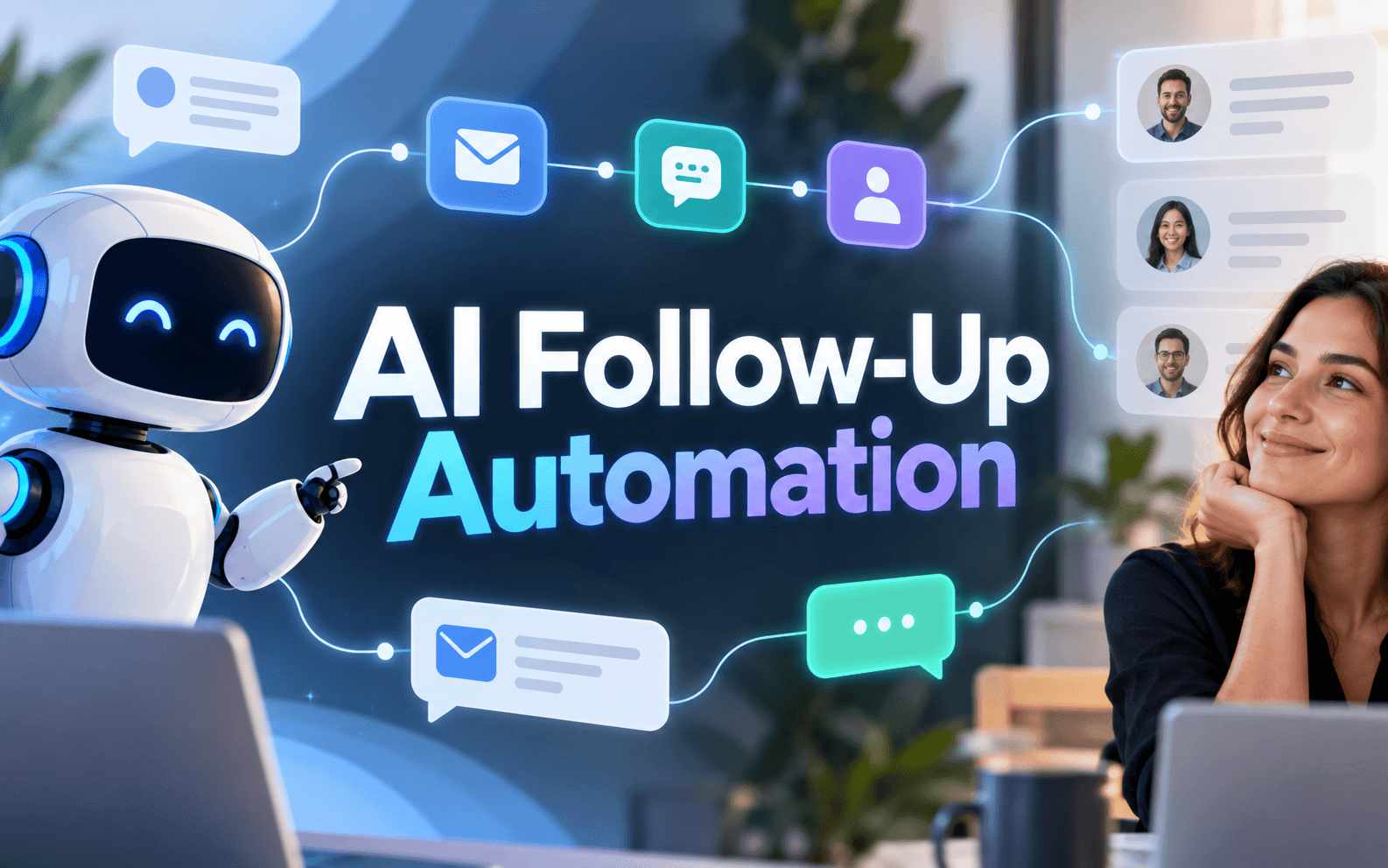
Learn how AI follow-up automation can speed up customer responses, personalize messages, protect trust, and hand complex conversations to humans.
AI follow-up automation lets businesses respond faster without turning customer communication into robotic sequences. The best approach is to automate timing, reminders, CRM updates and first-draft messages while keeping humans responsible for judgment, sensitive conversations and high-value decisions. The result saves time and keeps follow-ups relevant because AI uses real customer context.
What AI Follow-Up Automation Should Do
A useful system starts with a clear trigger: a form submission, missed call, quote request abandoned cart, or unanswered proposal. AI can summarize customer history, identify the next action, draft a message, schedule a reminder and update the CRM. HubSpot describes a similar model in which AI can classify messages, use CRM context, generate reply drafts, and place them in front of a person for review. Salesforce also highlights trigger-based follow-ups based on lead interest abandoned carts content engagement, and customer segments.
Keep the Human Touch With Context
Personalization should come from useful context, not simply inserting a first name. A better message might reference the product viewed, the question asked, the stage of a proposal, or the customer's preferred next step. Set clear boundaries for AI. Routine reminders can run automatically, but complaints pricing exceptions, negotiations, cancellation requests, and sensitive replies should move to a human. The workflow should also stop or change once the customer replies, opts out, books, or closes the issue.
A Practical Four-Step Follow-Up Workflow
- Connect customer sources such as forms, email, CRM, chat, or appointment tools
- Define triggers and customer states before writing messages.
- Let AI draft or send low-risk follow-ups using approved information.
- Create human-review rules for uncertain, valuable, or sensitive conversations.
For example, a service business could automatically acknowledge a quote request, send a reminder after two days and create a salesperson task if the customer asks about custom pricing. That removes repetitive work without removing the relationship.
Measure Replies, Not Message Volume
Judge the system by useful outcomes: reply rate, booked calls, resolved requests, reactivated customers, opt-outs and cases needing manual correction. High send volume means little without customer response.
Automate Your Customer Follow-Ups
Want to implement AI follow-up automation in your business to respond to leads faster, reduce manual follow-up work, book more calls and prevent valuable opportunities from slipping through? We can help you build a tailored follow-up system around your CRM, email, sales, or customer-service workflow. Complete our short inquiry form to discuss the right automation setup for your business.
Final Takeaway
Use AI for consistency and speed; use people for judgment and trust. Start with one customer journey, define when automation must stop and expand only after the workflow produces accurate, relevant follow-ups.
Get More AI Automation Ideas
Follow Apps Hunt on Pinterest for visual automation ideas, Instagram for practical AI and business-growth tips and Facebook Page for new AI tools, workflow ideas, and useful business updates.
Frequently asked questions
AI follow-up automation uses artificial intelligence and workflow tools to trigger, personalize, schedule, and manage customer follow-up messages. It can also update CRM records and route important conversations to employees.
Yes. AI can draft or send emails based on actions such as form submissions, quote requests, missed appointments, purchases, or unanswered messages.
Use real customer context, vary messages according to the customer's stage, avoid generic AI language, and send complex or sensitive conversations to a human.
Yes. Many workflows connect email, forms, chat, calendars, and CRM systems so customer activity can trigger the appropriate next action.
No. Routine reminders and simple updates are good candidates for automation. Complaints, negotiations, unusual requests and high-value opportunities often need human judgment.
They can improve response consistency, reduce forgotten leads, save repetitive administrative work, and help teams respond to customer activity more quickly.
Use relevant CRM information such as the customer's previous question, requested service, purchase history, conversation stage, or agreed next step rather than relying only on names.
Human escalation makes sense when AI detects uncertainty, negative sentiment, pricing negotiation, cancellation requests, complaints, unusual questions, or strategically important opportunities.
Track customer replies, booked calls, resolved requests, conversions, reactivations, opt-outs and messages that required manual correction not simply the number of messages sent.
Yes. Small businesses can start with one repetitive journey, such as new-lead follow-up or quote reminders, and expand automation after confirming that messages remain accurate and relevant.