
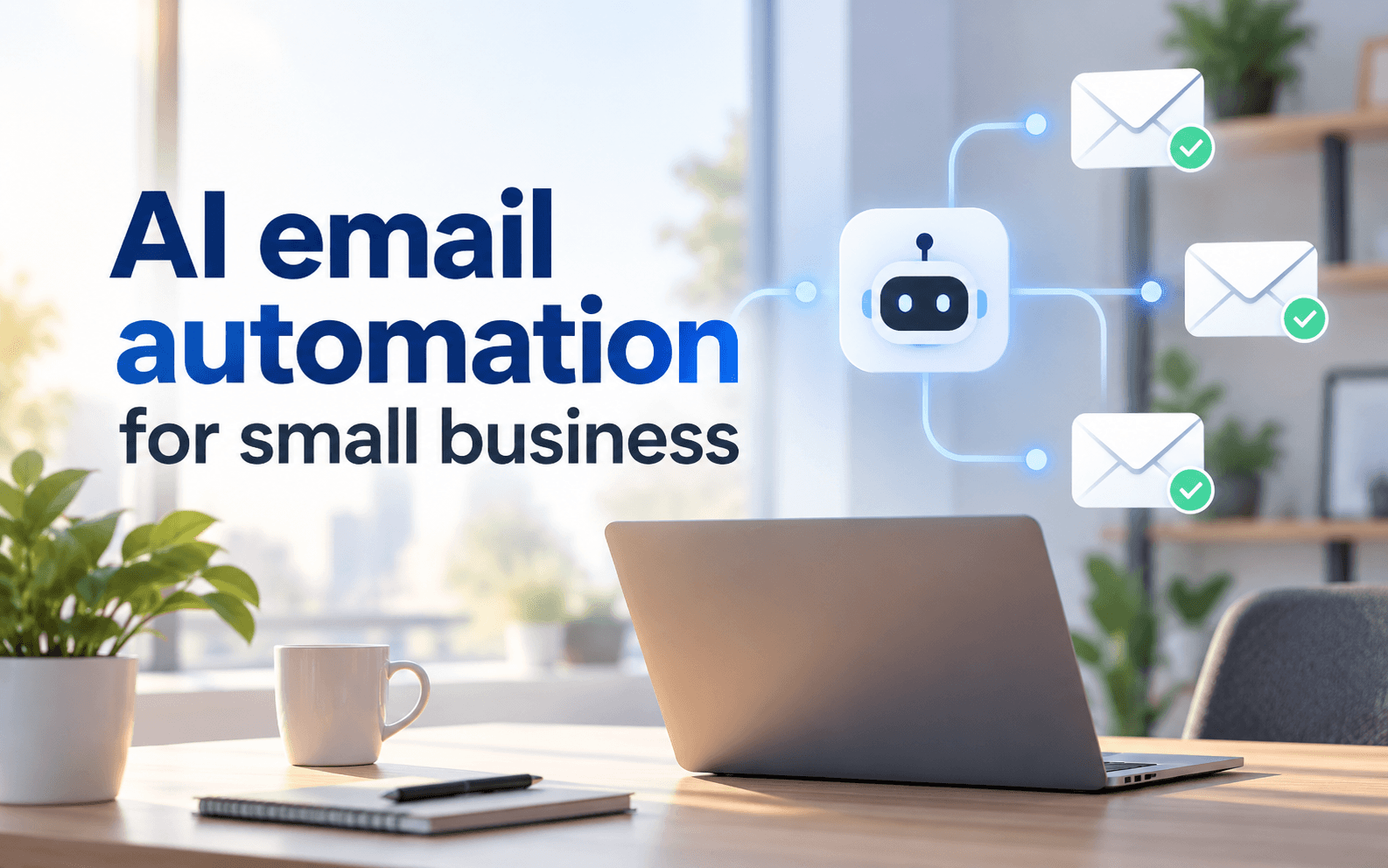
Learn how AI email automation for small business can improve lead follow-up, customer support, and sales workflows without over-automating.
AI email automation for small business combines AI with workflow rules to handle repetitive tasks such as lead follow-up support triage, sales nurturing, and CRM updates. Strong systems do more than write emails: they detect a trigger use customer context choose the next action, and hand important conversations to a person.
What AI Email Automation Actually Does
Traditional automation follows fixed rules. AI adds classification, summarization, drafting and prioritization. A website inquiry can enter a CRM, be categorized by intent receive a personalized acknowledgement, enter a follow-up sequence and alert a salesperson after a reply. For example HubSpot sequences support timed emails, follow-up tasks, and automatic unenrollment when a contact replies or books a meeting. Zapier's AI email workflows can also classify messages, extract information, draft responses, and route data into connected business apps.
Three AI Email Workflows Small Businesses Can Automate
Lead Follow-Up
When a potential customer submits a contact form, requests a quote, or books a demo, automation can record the lead, identify intent send an immediate confirmation, schedule follow-ups, and stop the sequence once the person replies or books a meeting. This works especially well for agencies, consultants, local services and B2B companies.
Customer Support
New support emails can be summarized, categorized by topic and urgency, and routed to the right team member. AI can also prepare a suggested response using approved business information. Refunds, legal questions, account-security issues and serious complaints should still receive human review.
Sales Nurture
Leads who request pricing, download resources, or stop responding can enter automated nurture workflows. AI can help segment contacts, personalize follow-ups, identify buying signals create CRM tasks and alert sales staff when a prospect appears ready for direct conversation.
Where AI Helps and Where Humans Still Matter
AI works best on repetitive, structured tasks such as sorting messages, extracting information, drafting routine replies and scheduling follow-ups. Human involvement becomes more important as the conversation becomes sensitive, complex or commercially important. A useful rule is to let automation handle speed and consistency, while people handle judgment, negotiation exceptions and relationship building.
The Four-Layer Automation Rule
Evaluate every AI email workflow using four layers: Trigger → Context → Decision → Human Handoff. The trigger defines what starts the automation. Context determines what customer or CRM information AI can use. Decision rules control what action happens next, while human handoff defines when the automation must stop and a person should take over. This framework can reduce irrelevant responses and prevent AI from handling situations that require human judgment.
How to Start AI Email Automation
Begin with one repetitive workflow that has a clear trigger and measurable outcome. Map the existing process before adding AI, decide what information the system may access, and define exactly when automation should stop. Test common scenarios as well as unusual cases before expanding the workflow. One reliable lead-follow-up system often creates more practical value than several disconnected automations.
Business Lead CTA
Want an AI email follow-up system built for your business Complete our short inquiry form to explore an automation that can respond to leads faster, reduce repetitive work save your team time and help turn more inquiries into sales opportunities.
Final Takeaway
Small businesses should start AI email automation with repetitive processes where faster responses can directly improve customer experience or sales opportunities. Lead follow-up is usually a strong starting point, followed by customer support triage and sales nurture once the first workflow is operating reliably.
Social Follow CTA
Follow Apps Hunt on Instagram, TikTok, and YouTube for practical AI tools, automation workflows, business growth strategies, and useful AI updates.
Frequently asked questions
AI email automation uses artificial intelligence and predefined workflows to classify emails, draft responses, personalize follow-ups, update business systems, and trigger actions automatically. Human review can remain part of the process where judgment is required.
A workflow can trigger when someone submits a form or requests a quote. AI can categorize the lead, prepare a relevant response, schedule additional emails, and notify a salesperson when the lead replies.
Yes. AI can summarize support requests, classify their subject and urgency, suggest responses, and route conversations to appropriate team members. Businesses should keep human approval for sensitive or unusual cases.
There is no universal best option. CRM-focused tools may suit companies that want sales sequences, while automation platforms are useful when email workflows need to connect multiple apps, forms, databases, and business systems.
Yes. AI can help personalize sales messages, prioritize incoming leads, schedule follow-ups, and create CRM tasks. Salespeople can then concentrate on qualified prospects and conversations requiring negotiation.
Costs depend on the email platform, CRM, automation software, AI usage, number of contacts, and workflow volume. Businesses should compare the total workflow cost rather than choosing software only by its entry-level subscription price.
Yes. Gmail can be connected to CRM and automation platforms that trigger actions from incoming or outgoing emails. The exact features depend on the integration and software being used.
It can be used responsibly when businesses choose appropriate services, limit the data sent to AI systems, control permissions, and follow relevant privacy requirements. Sensitive information should not automatically enter an AI workflow without a clear data policy.
Usually, its stronger role is removing repetitive work rather than replacing every human interaction. Staff remain especially valuable for negotiations, complaints, unusual requests, relationship building, and high-value customers.
Start with a repetitive process that has a clear trigger and outcome. For many businesses, new-lead follow-up is a strong first workflow because the steps are predictable and automation can reduce delays between an inquiry and the first response.